Veltrix Register
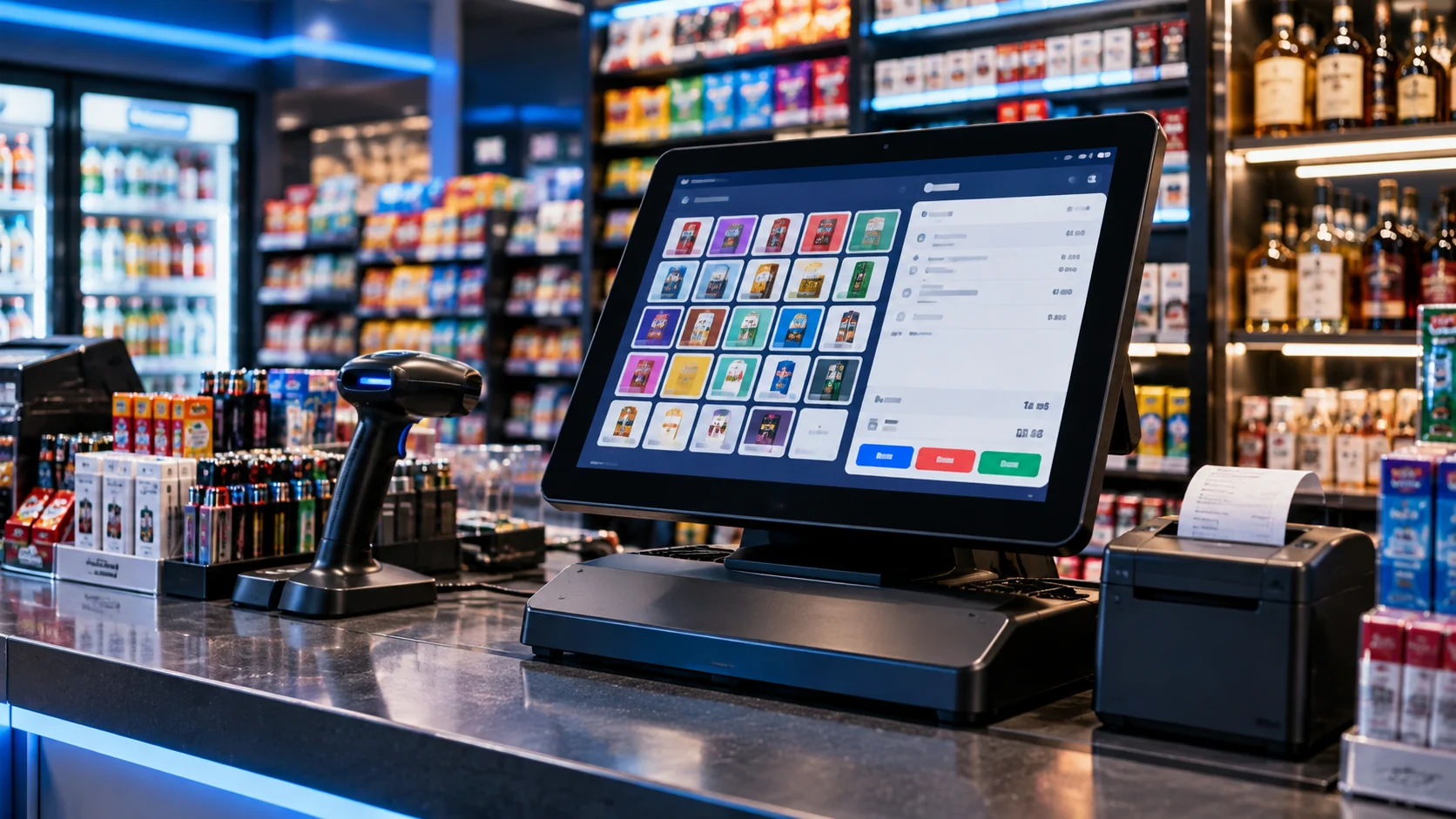
Barcode-driven checkout, touch-friendly department keys, payment workflows and register actions designed for the counter.
Explore the registerFrom the first scan at the register to the last report in the back office, Veltrix POS brings the tools independent retailers rely on into one connected workflow.
Make a change where it belongs and keep the day moving. Veltrix brings product setup, pricing, inventory, employee tools and reporting together—so store owners can spend less time juggling systems and more time running the business.
Handle everyday store operations from checkout to inventory and reporting with a software suite built around the needs of independent retailers.
Barcode-driven checkout, touch-friendly department keys, payment workflows and register actions designed for the counter.
Explore the registerOrganize price books, categories, product details, store settings and register configuration through the back-office workflow.
See back-office featuresBring together stock tracking, receiving, supplier records and purchase orders to help keep shelves replenished.
Explore inventory toolsSupport 45-field Altria and 34-field R.J. Reynolds scan data, configured ITG formats, and tobacco incentive workflows.
See retail-specific toolsMake staff access, role permissions, time clock and register actions part of the same operating system.
View employee toolsReview sales, inventory movement and store activity to help make informed day-to-day decisions.
Explore reportingFind a group of products, review the matching items, and prepare bulk changes to product fields and pricing from one workflow.
Explore Mass UpdateMass Update gives your team a focused way to locate products, select matching records and prepare consistent edits across your catalog. Use it for routine product maintenance and price-book cleanup.
Illustrative website preview. Confirm available fields and bulk actions in your deployed Veltrix system.
| Product | UPC | Department | Price | |
|---|---|---|---|---|
| Classic Blue PackSample product | 012345678901 | Tobacco | $8.49 | |
| Mint Disposable 5KSample product | 098765432109 | Vape | $16.99 | |
| Sparkling Water 1LSample product | 045678901234 | Beverage | $1.79 |
Retail has its own rules and its own rhythm. Veltrix POS brings industry-aware workflows to the businesses that need speed, accurate inventory and practical controls.
Keep fast-moving tobacco inventory and store-level programs organized.
Stay on top of case, bottle and pack-level items, pricing and receiving.
Keep broad product assortments organized and make checkout more consistent.
Move the line at the register while keeping store operations in order.
See how checkout, back-office work and retail-specific tools fit together in a Veltrix POS walkthrough.
Explore illustrative Veltrix-style views for checkout, back-office product management and reporting. Final screens and available modules may vary by configuration.
A clear register layout with department keys, a visible sale summary and quick payment actions.
An illustrative back-office view for product organization and everyday catalog workflows.
Sample reporting concepts to show how store activity can be presented clearly.
Support the moments that add up across every shift: maintaining products, managing teams, processing a sale and understanding what happened.
Organize products, UPCs, categories and store-level pricing in the back office.
Work through receiving, stock counts, ordering and inventory visibility.
Support configured scan-data reports and tobacco incentive workflows.
Configure pricing rules for eligible products and supported promotions.
Support cashier operations like tendering, suspended sales and register actions.
Help manage staff access, shift activity and role-based permissions.
Bring lottery sales, activity and reconciliation into store workflows where configured.
Review operational reporting and sync supported data between register and back office.
Veltrix POS is built around the everyday realities of independent retail: fast checkout, changing price books, inventory work, age-restricted products and the back-office tasks that keep a store running.
Our goal is straightforward: connect the tools that matter, keep workflows practical and make the system easier to work with through the busy parts of the day.
Features focused on real store workflows.
Bring register and back-office work together.
Make everyday tools easier to navigate.
See how Veltrix could fit into your store, which workflows matter most to you, and what you need from a POS system.
Ask us a questionVeltrix POS is intended for tobacco and smoke shops, liquor and beverage stores, vape and cigar retailers, and convenience stores.
Veltrix is designed around a connected register and Control Center workflow. The exact sync behavior depends on your system configuration and deployment.
The product information for Veltrix describes 45-field Altria and 34-field R.J. Reynolds scan-data workflows, configured ITG formats and tobacco buydowns. During a demo, we can confirm provider availability and configuration for your store.
Product setup, price-book management and the Mass Update workflow are part of the described Control Center experience. We can walk through your current catalog and confirm the available bulk-edit fields and import process.
Use the demo form on this page and tell us a little about your business. We can discuss your store type, registers, inventory workflow and priorities.
Use the Veltrix back-office login to access your account.
Tell us a little about your business. We’ll use the details to make the walkthrough relevant to your store and the way your team works.
Have a product question, need help getting started or want to talk through a specific workflow? Send a message and tell us how we can help.